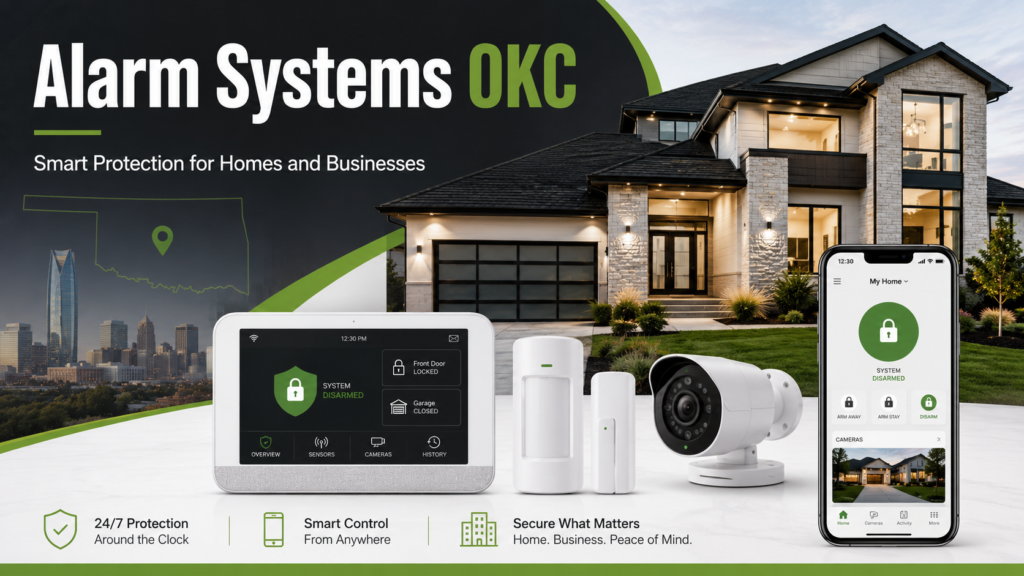




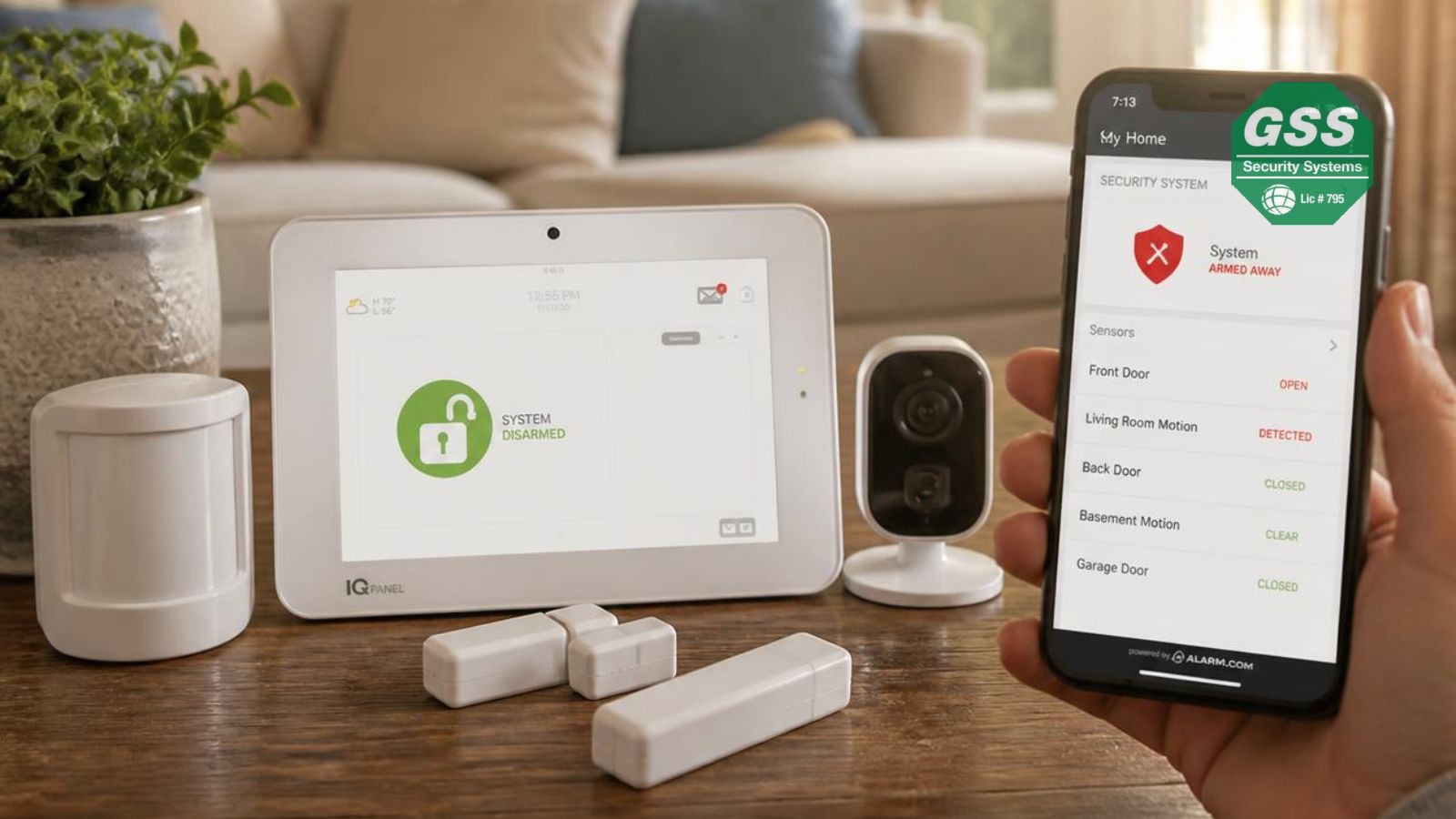
Choosing the best home security system in Oklahoma City involves more than comparing prices. The right system should match your home’s layout, neighborhood, lifestyle, and security goals while providing dependable protection against burglary, property damage, and emergencies.
Whether you own a house, rent an apartment, or manage investment property, understanding today’s security technology helps you make an informed decision.
Why Home Security Matters in Oklahoma City
Every community faces different security challenges. Like many metropolitan areas, Oklahoma City experiences property crimes, including burglary, theft, and vehicle-related offenses. The Oklahoma State Bureau of Investigation publishes statewide crime statistics that include burglary and other property crime categories, helping residents understand local trends.
A home security system can help:
- Deter potential intruders
- Alert homeowners to unauthorized entry
- Monitor smoke, fire, and carbon monoxide events
- Provide remote awareness while traveling
- Help document incidents through recorded video
While no security system can guarantee crime prevention, multiple protective layers generally improve overall home security.
Assess Your Home’s Security Needs
Before comparing brands, evaluate your own property.
Consider:
- Home size
- Number of entry doors
- Ground-floor windows
- Detached garage
- Backyard accessibility
- Pets that may affect motion sensors
- Children or elderly family members
- Vacation frequency
For example, a two-bedroom apartment typically requires fewer sensors than a multi-story house with several exterior access points.
Creating a simple floor plan helps identify areas requiring protection.
Essential Features to Look For
Not every homeowner needs every feature. Focus on capabilities that improve everyday security.
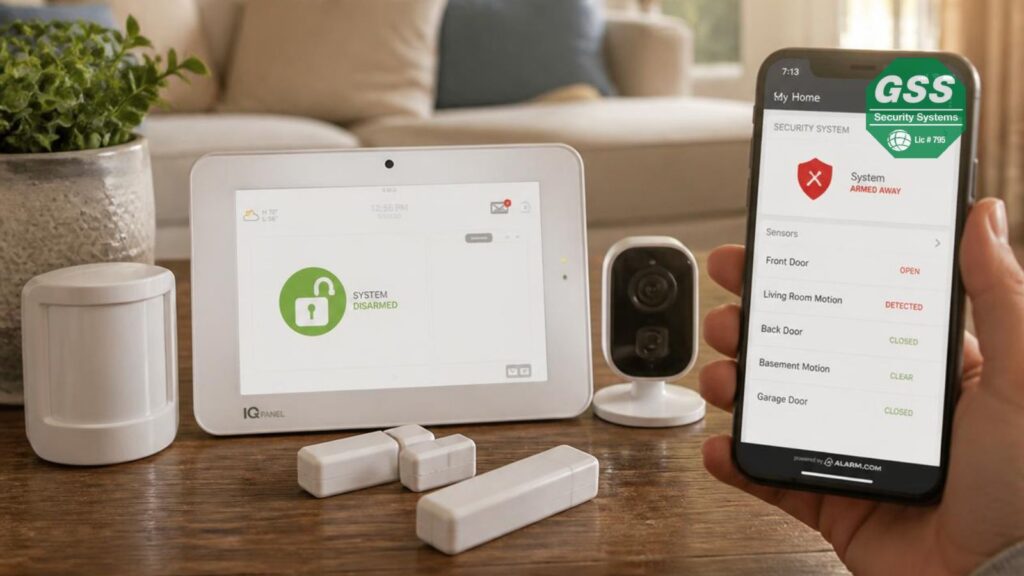
Door and Window Sensors
These detect when protected entry points are opened unexpectedly.
Motion Detection
Indoor motion sensors provide another layer if someone enters without opening a protected door or window.
Security Cameras
Modern cameras offer:
- HD video
- Night vision
- Motion detection
- Cloud or local recording
- Mobile notifications
Outdoor cameras can also provide visibility around driveways, porches, and backyards.
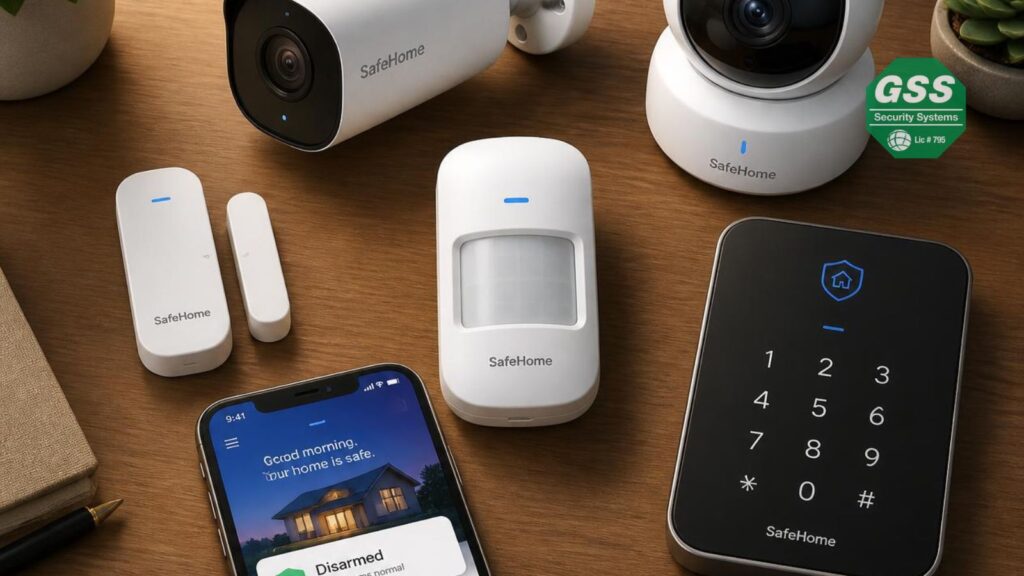
Video Doorbells
Video doorbells allow homeowners to:
- See visitors
- Speak remotely
- Record package deliveries
- Receive motion alerts
They are particularly useful for monitoring front entrances.
Smoke and Carbon Monoxide Detection
Many modern systems integrate environmental monitoring alongside intrusion detection.
Mobile App Control
A quality mobile app allows homeowners to:
- Arm or disarm remotely
- View live cameras
- Receive alerts
- Review event history
Monitored vs. DIY Security Systems
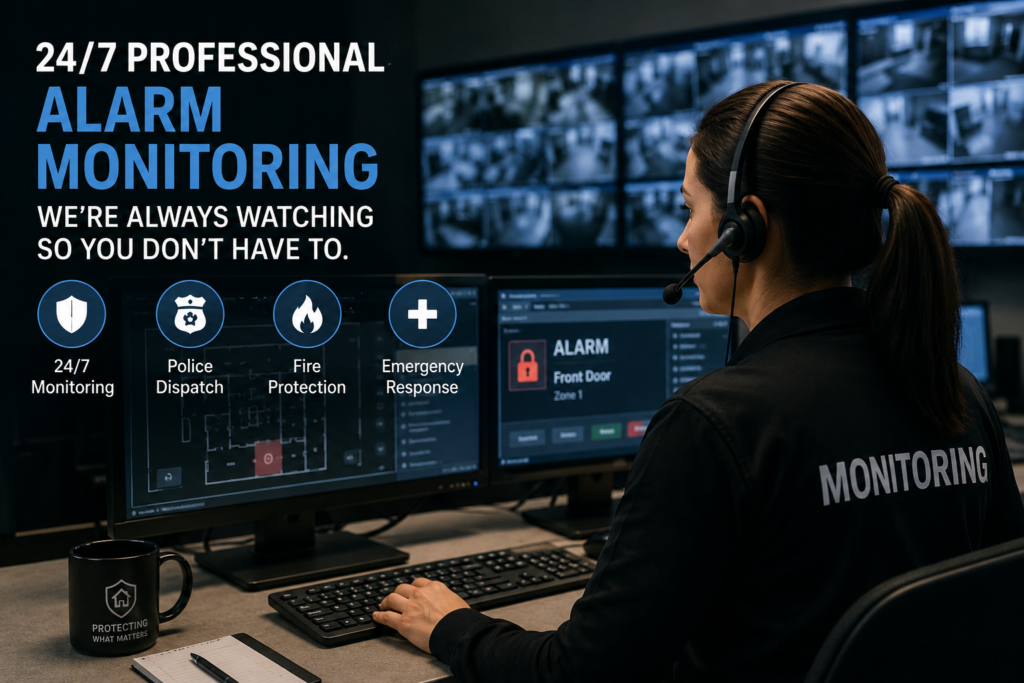
One of the biggest decisions is whether to choose professional monitoring or self-monitoring.
| Feature | Professional Monitoring | DIY Monitoring |
|---|---|---|
| Emergency Response | Monitoring center contacts authorities when appropriate | Homeowner responds |
| Monthly Fee | Usually required | Often optional |
| Installation | Professional or hybrid | Usually self-installed |
| Convenience | Higher | Moderate |
| Ongoing Cost | Higher | Lower |
Professional monitoring may appeal to homeowners who travel frequently or want continuous oversight.
DIY systems can be suitable for users who prefer lower recurring costs and are comfortable managing alerts themselves.
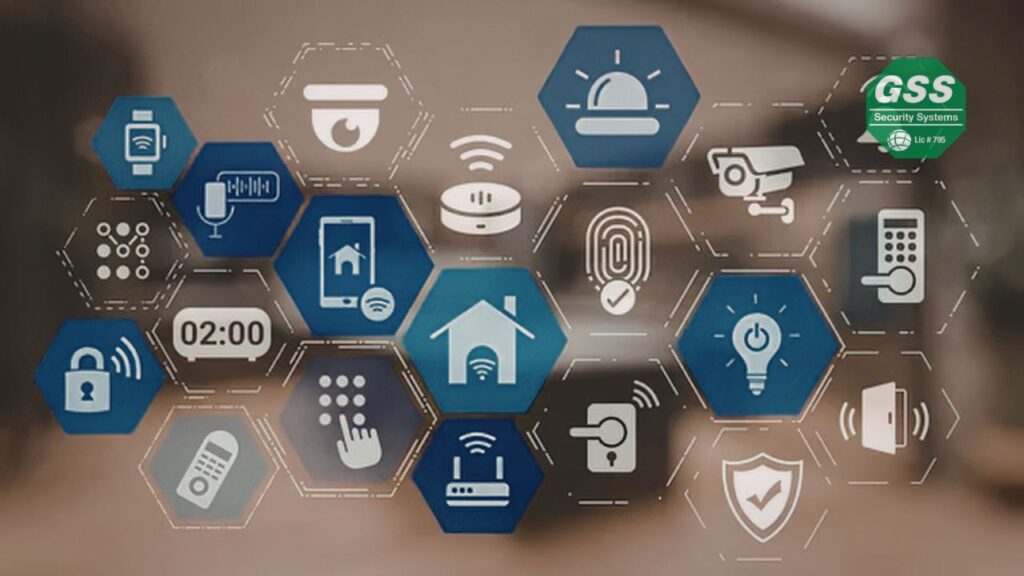
Smart Home Integration
Many homeowners already use smart devices.
Look for compatibility with:
- Smart locks
- Smart lighting
- Smart thermostats
- Voice assistants
- Garage door controllers
Integrated automation can improve convenience while supporting security routines, such as automatically locking doors or turning on lights when motion is detected.
Understanding Installation Costs
Home security pricing varies depending on:
- Equipment quantity
- Camera count
- Professional installation
- Monitoring services
- Smart home features
- Cloud storage
Typical expenses include:
- Initial equipment purchase
- Installation fees (if applicable)
- Monthly monitoring subscription
- Optional warranty or maintenance plans
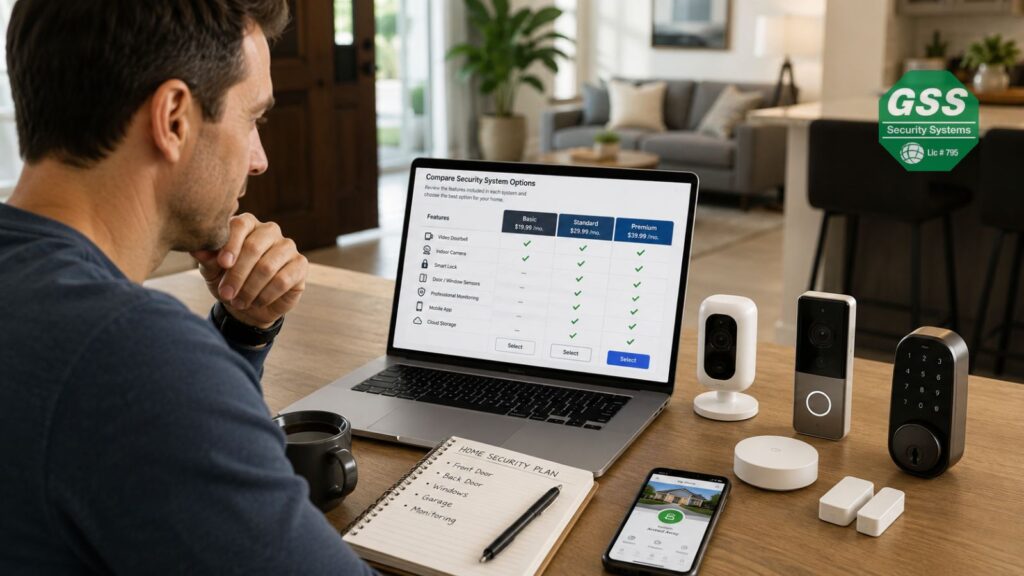
Instead of focusing solely on the lowest price, compare the overall value provided.
Choosing a Reliable Provider
Selecting the right company is just as important as selecting the equipment.
Evaluate providers based on:
Reputation
Look for consistent customer feedback across multiple review platforms.
Licensing
Confirm the company meets applicable state and local licensing requirements where required.
Warranty
Understand:
- Equipment warranty
- Labor warranty
- Replacement policies
Customer Support
Consider:
- Availability
- Response times
- Technical assistance
- Emergency support
Contract Terms
Before signing, review:
- Contract length
- Cancellation policy
- Equipment ownership
- Renewal terms
Transparent pricing generally indicates a trustworthy provider.
Should You Choose Wired or Wireless?
Wireless systems have become increasingly popular because they:
- Install faster
- Require less drilling
- Expand easily
- Work well in existing homes
Wired systems may still be appropriate during new construction or major renovations.
Each approach has advantages depending on the property’s design.
Privacy and Cybersecurity Considerations
Connected security devices should also be digitally secure.
Best practices include:
- Enable multi-factor authentication.
- Use unique passwords.
- Update firmware regularly.
- Secure your home Wi-Fi network.
- Review camera privacy settings.
Research has shown that internet-connected security devices can be vulnerable if not properly maintained, making regular updates and good password practices important.
Common Mistakes to Avoid
Many homeowners make avoidable purchasing mistakes.
Buying Only on Price
The least expensive option may lack important features or support.
Ignoring Future Expansion
Your needs may change after adding:
- Cameras
- Smart locks
- Additional sensors
Choose a scalable platform.
Overlooking Mobile App Quality
You’ll likely use the app daily.
A poor mobile experience can reduce the usefulness of an otherwise capable system.
Forgetting Battery Maintenance
Wireless sensors require periodic battery replacement.
Many systems provide low-battery notifications, but homeowners should still inspect devices regularly.
Posting Travel Plans Publicly
Law enforcement and security experts have advised homeowners to avoid publicly sharing travel schedules that indicate when a home is unoccupied.
Final Checklist Before Buying
Ask yourself:
- Does the system cover every entry point?
- Is professional monitoring necessary?
- Does it fit my budget?
- Can it expand later?
- Does it include mobile access?
- Are warranties clearly explained?
- Is customer support available when needed?
- Does it integrate with my existing smart devices?
Answering these questions can simplify the decision-making process.
Frequently Asked Questions
What is the best type of home security system for Oklahoma City?
There is no single best option for every home. The ideal system depends on your property’s size, budget, desired features, and whether you prefer professional monitoring or self-monitoring.
Are wireless security systems reliable?
Modern wireless systems are generally reliable when installed correctly, maintained regularly, and connected to a stable internet network.
Is professional monitoring worth it?
Professional monitoring may benefit homeowners who want emergency response assistance, particularly during travel or extended absences.
How many cameras does an average home need?
Many homes begin with two to four cameras covering the front door, driveway, backyard, and another key entrance. The ideal number depends on the property’s layout.
Can renters install home security systems?
Yes. Many wireless DIY systems are designed for renters because they require minimal permanent modifications.
How often should security equipment be updated?
Manufacturers typically recommend installing firmware updates as they become available and replacing batteries according to device notifications or maintenance schedules.
Conclusion
Choosing the best home security system in Oklahoma City starts with understanding your home’s unique needs rather than simply selecting the most expensive equipment. Consider your property’s layout, compare monitored and DIY options, prioritize essential features like cameras and mobile access, and evaluate providers based on transparency, support, and long-term value.
A thoughtful, layered approach to home security can improve awareness and preparedness while providing greater confidence in protecting your property.