



Introduction
Choosing the right security system for your Oklahoma home is not just about buying cameras, alarms, or smart devices. It is about understanding your property, your neighborhood risks, your budget, and the level of protection your family truly needs.
From burglary prevention and professional monitoring to smart home integration and emergency alerts, the right system can help protect what matters most while giving you greater peace of mind. This comprehensive guide explains how Oklahoma homeowners can evaluate their needs, compare different types of security systems, understand costs, and choose the best solution for their home.

Quick Decision Guide: What Type of Security System Do You Need?
Before comparing products or prices, it helps to identify what you actually need from a home security system. Use the guide below as a starting point.
| If You Need… | Look For… |
|---|---|
| Burglary prevention | Door sensors, window sensors, motion detection, security cameras, and monitored alarms |
| Remote access | Mobile app control, smart locks, camera viewing, and real-time alerts |
| More reliable emergency response | Professional monitoring with 24/7 alert response |
| Storm or environmental awareness | Smoke detectors, flood sensors, carbon monoxide sensors, and backup power options |
| Lower upfront cost | DIY wireless systems with basic monitoring options |
| Maximum convenience | Professionally installed smart security systems with app integration |
Assessing Your Security Needs
Understanding the Risks in Oklahoma
Oklahoma homeowners face a combination of security and environmental concerns. In larger urban areas such as Oklahoma City and Tulsa, property crimes like burglary, theft, and vandalism may be more relevant concerns. In other areas, homeowners may also need to consider response times, rural property visibility, weather events, and emergency preparedness.
Local crime data can be a helpful starting point. Reviewing neighborhood crime trends, checking local reports, and staying informed through community groups or neighborhood watch programs can help you understand what types of threats are most relevant to your area.
For Oklahoma homeowners, security planning should not stop at crime prevention. Severe weather, tornadoes, power outages, and emergency response needs can also influence the type of system that makes the most sense for your home.
Identifying Vulnerable Areas in Your Home
Once you understand the broader risks in your area, the next step is to inspect your property. Most security weaknesses are found around common access points such as front doors, back doors, windows, garages, side gates, and poorly lit areas.
Landscaping also matters. Overgrown bushes, trees, and dark corners can create hiding spots around your home. A good security system should work together with physical improvements such as outdoor lighting, reinforced locks, trimmed landscaping, and clear visibility around entry points.
Home Security Assessment Checklist
- Front door and back door access points
- Garage doors and side entrances
- First-floor windows
- Basement or lower-level access points
- Outdoor lighting coverage
- Camera blind spots
- Wi-Fi strength near cameras and smart devices
- Driveway, porch, and package delivery areas
- Pets, children, or elderly family members at home
- Need for smoke, flood, carbon monoxide, or environmental sensors
Determining Your Security Priorities
Every homeowner has different priorities. Some are most concerned about break-ins. Others want to monitor deliveries, check on children or pets, reduce insurance costs, or receive emergency alerts when they are away from home.
If burglary prevention is your top concern, you may want a system with entry sensors, motion detectors, cameras, and professional monitoring. If convenience and remote access are more important, a smart security system with mobile app control may be the better fit. If you travel often, professional monitoring and video access can be especially valuable.
The best system is not always the most expensive one. The best system is the one that matches your home, your risks, your lifestyle, and your budget.
Types of Security Systems
Homeowners have more security options today than ever before. The main categories include traditional wired systems, smart home systems, wireless systems, DIY systems, and professionally monitored solutions.
Traditional Security Systems
Traditional security systems usually include a network of alarms, cameras, sensors, and a central control panel. Many are hardwired into the home and may require professional installation.
One major advantage of traditional wired systems is reliability. Because they are not fully dependent on Wi-Fi or battery power, they can be more stable in certain situations. However, they may be more expensive to install and less flexible than newer smart systems.
Smart Home Security Systems
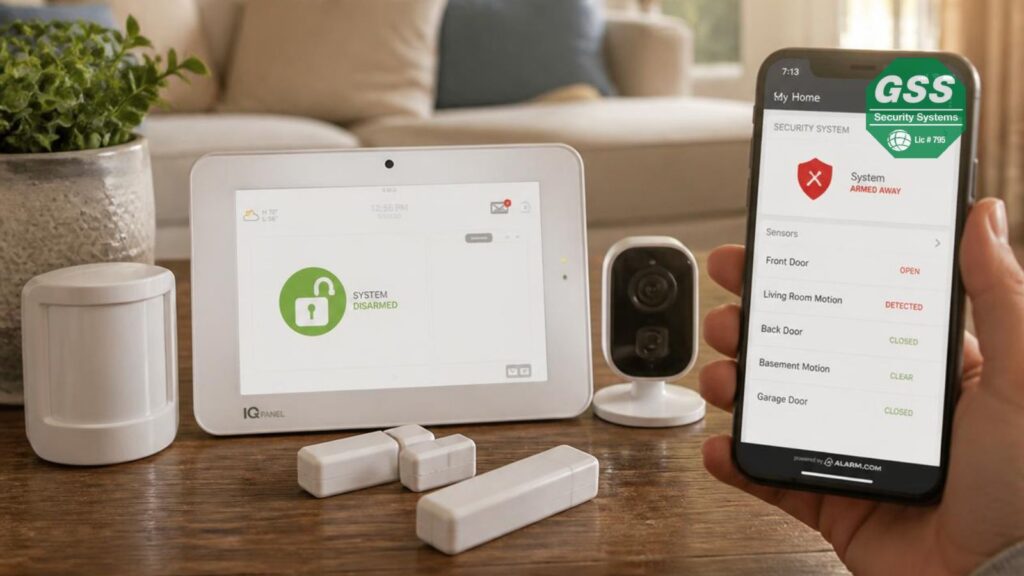
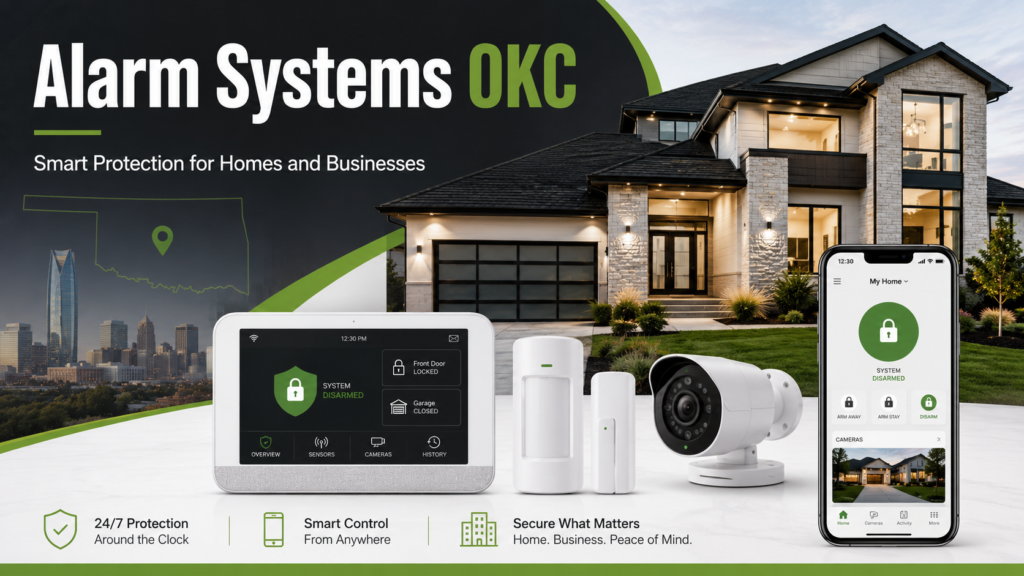
Smart home security systems connect to your home network and allow you to manage cameras, locks, alerts, alarms, and sensors through a mobile app. Many systems include smart doorbells, indoor and outdoor cameras, motion sensors, and real-time notifications.
The biggest advantage of smart security is convenience. You can check your cameras, receive alerts, arm or disarm your system, and monitor activity from almost anywhere. The main consideration is that these systems depend on internet connectivity and should be protected with strong passwords, secure Wi-Fi settings, and regular software updates.
Wireless vs. Wired Systems
Wired systems are often known for reliability and stability, while wireless systems are valued for flexibility and easier installation. The right choice depends on whether you own or rent your home, how permanent you want the installation to be, and how comfortable you are with technology.
Wireless systems are usually easier to install and adjust over time. Wired systems may be better for homeowners who want a long-term, professionally installed solution with fewer battery-related maintenance needs.
Security System Comparison
| System Type | Best For | Main Advantage | Watch Out For |
|---|---|---|---|
| Traditional wired systems | Long-term homeowners | Stable and reliable | More complex installation |
| Smart wireless systems | Remote access and app control | Flexible and convenient | Wi-Fi dependency |
| DIY security systems | Budget-conscious users | Lower setup cost | Installation quality matters |
| Professionally monitored systems | Homeowners wanting 24/7 protection | Emergency response support | Monthly monitoring fees |

Cost vs. Value Analysis
Initial Investment vs. Long-Term Savings
Cost is one of the most important factors when choosing a home security system. Initial expenses can vary depending on the system type, number of devices, installation method, monitoring plan, and smart home features.
Traditional systems may have higher upfront costs because of professional installation and equipment requirements. Smart systems may offer more flexible pricing, but advanced features such as cloud video storage, mobile app access, and extended monitoring can add recurring costs.
However, price should not be evaluated in isolation. A well-designed security system can help prevent theft, property damage, and emergency losses. Over time, that protection may outweigh the initial investment, especially when combined with potential insurance discounts and increased peace of mind.
Insurance Discounts and Financial Benefits
Many insurance providers offer discounts for homes with qualifying security systems. These discounts may depend on the type of system installed, whether it includes professional monitoring, and which safety features are included.
Before choosing a system, contact your insurance provider and ask which features may qualify for savings. Professionally monitored alarms, smoke detection, burglary protection, and surveillance features may help reduce premiums depending on your policy.
Insurance savings should not be the only reason to install a security system, but they can help offset part of the long-term cost.
Evaluating the Total Cost of Ownership
The true cost of a home security system goes beyond the purchase price. Homeowners should also consider monthly monitoring fees, maintenance costs, replacement batteries, cloud storage subscriptions, equipment upgrades, and service fees.
Before making a decision, create a simple cost breakdown that includes both initial and recurring expenses. This helps you compare systems more accurately and avoid surprises after installation.
Common Security System Costs to Consider
- Equipment cost
- Installation fee
- Monthly monitoring fee
- Cloud video storage
- Maintenance or service visits
- Battery replacements
- Smart home integrations
- Contract terms or cancellation fees
- Future equipment upgrades
Not sure which security system is right for your Oklahoma home? Globelink Security Systems can help you compare your options, understand your risks, and choose a solution that fits your home, lifestyle, and budget.
Professional vs. DIY Installation
Benefits of Professional Installation
Professional installation is often the best option for homeowners who want expert setup, full coverage, and fewer technical concerns. Certified technicians can evaluate your home, place devices correctly, configure the system, and help prevent common issues such as blind spots, weak sensor placement, or false alarms.
Professional installers can also explain how to use the system, test each component, and make sure your cameras, sensors, control panel, and monitoring features are working properly before they leave.
Advantages of DIY Security Systems
DIY security systems can be attractive for homeowners who want to reduce upfront costs and prefer a more flexible setup. Many modern systems are designed for easy installation and include app-based instructions, video tutorials, and wireless devices that do not require drilling or complex wiring.
However, DIY systems require careful placement and setup. Poor installation can create vulnerabilities, reduce camera effectiveness, or lead to missed alerts. If you choose DIY, make sure you understand how each device works and test the system regularly.
Professional or DIY: Which One Should You Choose?
| Choose Professional Installation If… | Choose DIY Installation If… |
|---|---|
| You want expert device placement | You want lower upfront cost |
| Your home has multiple entry points | You are comfortable with technology |
| You want professional monitoring setup | You prefer flexible device placement |
| You want fewer technical issues | You live in a rental or temporary home |
| You want a complete security plan | You only need basic protection |
Also review warranty requirements before choosing an installation method. Some manufacturers or providers may require professional installation for certain warranties, service plans, or monitoring features.
Monitoring Options and Features
Comparing Professional Monitoring Services
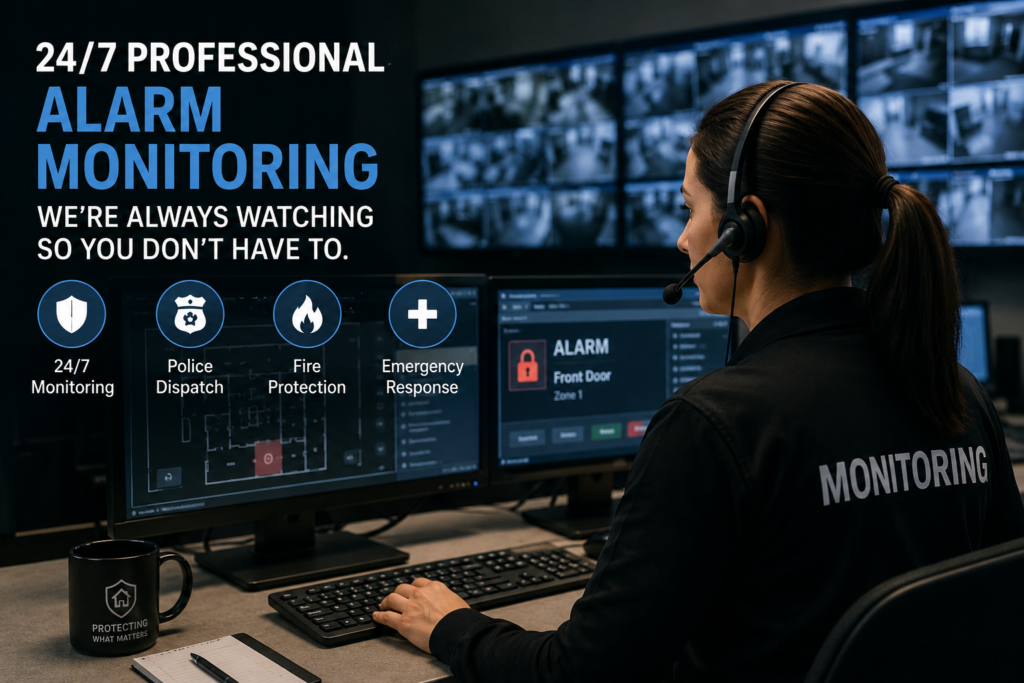
Professional monitoring gives homeowners an added layer of protection. When an alarm is triggered, trained monitoring professionals can review the alert and contact emergency services when necessary. This can be especially valuable when you are away from home, asleep, traveling, or unable to respond to a phone notification.
Professional monitoring usually involves a monthly fee, but for many homeowners, the added reliability and emergency response support are worth the cost. Some plans may also include video verification, smartphone alerts, fire monitoring, carbon monoxide monitoring, and other emergency features.
Self-Monitoring: Pros and Cons
Self-monitoring allows homeowners to receive alerts directly through a smartphone or tablet. This option can reduce monthly expenses and gives you direct control over how you respond to security events.
The downside is that self-monitoring depends entirely on your availability. If you miss an alert, lose service, are busy, or are asleep, emergency response may be delayed. For lower-risk homes, self-monitoring may be enough. For families, frequent travelers, or higher-risk properties, professional monitoring may offer stronger protection.
Essential Features to Look For in Oklahoma Security Systems
The right features depend on your specific home, but some functions are especially useful for modern homeowners. Prioritize features that improve visibility, response time, convenience, and long-term reliability.
- High-definition indoor and outdoor cameras
- Night vision
- Motion detection
- Door and window sensors
- Smart video doorbell
- Mobile app access
- Remote arm and disarm features
- Professional monitoring options
- Smoke, flood, and carbon monoxide detection
- Backup battery or cellular backup
- Smart lock and smart lighting integration
- Reliable customer support and technical assistance
How to Choose the Right Security Provider
The security system itself is important, but the company behind it matters too. A reliable provider should help you understand your options, recommend the right equipment, explain costs clearly, and support you after installation.
When comparing providers, look beyond the equipment list. Ask about monitoring quality, installation support, contract terms, service availability, response procedures, warranties, and customer support. A good provider should make the decision easier, not more confusing.
Questions to Ask Before Choosing a Security Company
- Do you offer professional installation?
- Is monitoring available 24/7?
- Are there contracts or cancellation fees?
- Can the system be controlled from a mobile app?
- Does the system include cameras, sensors, and smart home options?
- Is there backup power or cellular backup?
- What happens when an alarm is triggered?
- Do you provide customer support after installation?
- Can the system be expanded later?
- Which features may qualify for insurance discounts?
Conclusion
Choosing the right security system for your Oklahoma home requires more than comparing prices. You need to understand your risks, inspect your home’s vulnerable areas, define your priorities, evaluate system types, compare installation methods, and decide whether professional monitoring is worth it for your situation.
A well-chosen security system can protect your property, support your family’s safety, provide remote access, improve emergency awareness, and deliver long-term peace of mind. Whether you choose a wired system, a smart home solution, a DIY setup, or a professionally monitored system, the most important goal is to choose protection that fits your real needs.
Protect your Oklahoma home with a security system designed around your real needs. Contact Globelink Security Systems today to explore smart, reliable, and professionally supported home security options.
FAQs
1. What is the average cost of a home security system in Oklahoma?
The cost can vary widely depending on the system type, equipment, installation method, and monitoring plan. Many homeowners may spend anywhere from a few hundred dollars for basic equipment to more for advanced systems with professional installation and monitoring.
2. Are DIY security systems effective?
Yes, DIY security systems can be effective when installed correctly. However, homeowners should choose reliable equipment, place devices carefully, test the system often, and understand how alerts and monitoring features work.
3. Is professional monitoring worth it?
Professional monitoring can be worth it for homeowners who want 24/7 support and faster emergency response when an alarm is triggered. It is especially useful for families, frequent travelers, and homeowners who may not always be able to respond to alerts immediately.
4. How often should I test my security system?
It is a good practice to test your security system at least once a month. You should also test it after power outages, internet issues, equipment changes, or app updates.
5. What features should I prioritize in a security system?
Prioritize features such as door and window sensors, motion detection, high-definition cameras, night vision, mobile app access, professional monitoring options, and smart home integration. Environmental sensors such as smoke, flood, and carbon monoxide detectors can also add valuable protection.
6. Can a security system lower my home insurance?
Some insurance providers may offer discounts for qualifying security systems, especially professionally monitored systems or systems with fire, burglary, or environmental detection. Contact your insurance provider to confirm which features may qualify.
7. Can I install a security system myself?
Many modern wireless systems are designed for DIY installation. However, if you want complete coverage, professional setup, or a more advanced system, professional installation may be a better option.